

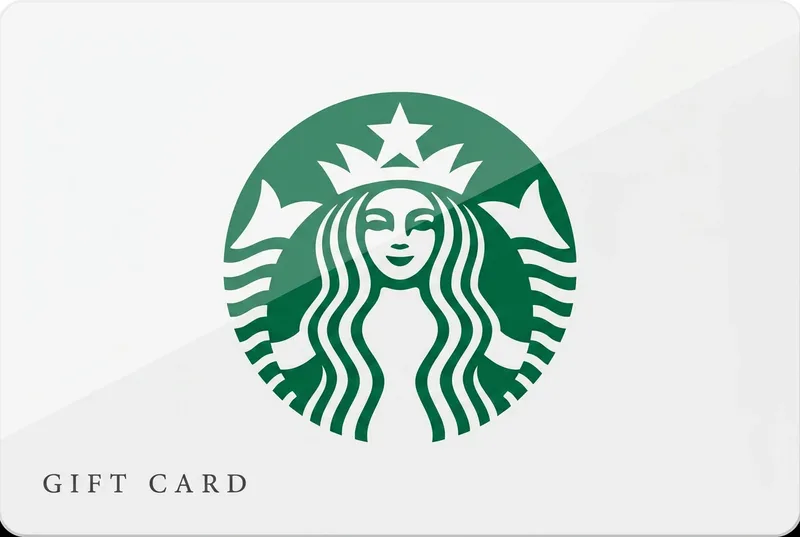
Starbucks Gift Card
Coffee money that never goes cold.
- Instant delivery
- Balance never expires
- Official codes
- Web & app
The product
Starbucks Gift Card at a glance
A Starbucks card loads coffee credit onto the Starbucks app or a Starbucks account: pay with your phone at any US company-operated store, earn Stars in the Rewards program, and reload whenever the latte urge strikes.
From a $25 thank-you to a $500 caffeine endowment, the card covers drinks, food and beans. Add it to the app and it becomes tap-to-pay at more than 16,000 US locations.
- Instant deliveryCode by email in seconds
- Balance never expiresOrder now or next month
- Official codesSourced from authorised distributors
- Web & appRedeem and spend anywhere
Paying with crypto
How to buy a Starbucks Gift Card with crypto

- Pick the region where the card will be used (4 versions are available), then choose an amount.
- Add it to your cart and enter the email address the code should go to. No account or sign-up needed.
- Pay with Bitcoin, USDT (TRC-20 or ERC-20), Ethereum, Monero, Solana, Litecoin or TRON. Checkout shows the exact amount and the address to send it to.
- Your code is emailed as soon as the payment confirms on the blockchain. Then redeem it as shown below.
Availability
Starbucks Gift Card regions and amounts
- United StatesStarbucks (US) · USD $25 · $50 · $75 · $100 · $250 · $500
- United KingdomStarbucks (UK) · GBP £20 · £50 · £100 · £150
- CanadaStarbucks (CA) · CAD C$50 · C$100 · C$250 · C$500
- United Arab EmiratesStarbucks (AE) · AED AED 100 · AED 300 · AED 500
17 amounts in 4 regions. The code only works on the store listed for its region, so match the region to the recipient's account before you pay.
Two minutes, tops
How to redeem your Starbucks Gift Card
- Open the Starbucks app (or website) and sign in.
- Go to the payment / gift card section in your account.
- Enter the code from your GiftKong email.
- The credit applies automatically to your next orders.
Full guide: How to use a Starbucks eGift card
Good to know
- Valid at participating Starbucks stores in the United States (and in the US Starbucks app).
- Codes are single-use and non-reloadable.
- Not redeemable for cash, except where required by law.
- Once redeemed, the balance is tied to the account/order and non-transferable.
Questions
Starbucks Gift Card FAQ
Can I buy a Starbucks Gift Card with Bitcoin or crypto?
Yes. Pick a region and an amount, then pay with Bitcoin, USDT (TRC-20 or ERC-20), Ethereum, Monero, Solana, Litecoin or TRON. Your code is emailed as soon as the payment confirms, and no account is needed.
Where does this card work?
On Starbucks (US) for the United States market. Valid at participating Starbucks stores in the United States (and in the US Starbucks app).
Do I earn Stars when paying with a gift card?
Yes — pay through the app with your registered card and you collect Stars in Starbucks Rewards as usual.
How fast will I get my code?
Instantly — the code is emailed the moment your crypto payment confirms.
Does the balance expire?
No — redeemed balance does not expire under the brand's standard US terms.
Which cryptocurrencies can I pay with?
Eight options — Bitcoin, Ethereum, Monero, Litecoin, Solana and TRON, plus USDT on ERC-20 or TRC-20. All are shown at checkout.
What if my code doesn't work?
Codes come from official distributors; if one ever fails, contact support within 14 days and we replace it fast.
Still have a question? Contact support
Good to know
Helpful guides
-
-
-


Choose your Starbucks region
The card only works on the store you pick — match it to the recipient's account.